'New survey' - To buy a new survey

'Active surveys' - This is your list of active (not-lodged) surveys plus your two survey templates

'SkyDocs' - Some useful documents you can download and use as you wish

'Account transactions and top-up' - Access to a history of your past 20 transactions and to Stripe to top up your account

'Edit personal details' - Update the details which appear in your reports

'Support' - Allows you to send us a message

'Logout' - Cheerio to Skyline til next time

QUICK START GUIDE HERE Stds Thumb
Welcome to Skyline

Please sign in

hbbs hbbs

TEST

Your messages 2

JQ1233

JQ new

Introduction 1


YouTube Video Here

Latest news 4

New Video Available to showcase the Report for your clients. Rather than send a sample PDF - send them this video - the last shot can be configured with your details for a small fee - contact info@rpsa.org.uk for more details.


Video Link

New sample survey reports now available


You'll know that we recently launched our New Build snagging and Single Defect Reports.

Well,  you'll now find samples of these in SkyDocs when you log in.

Check them out!

NEW PRODUCTS ARE AVAILABLE NOW!


From today, when you log on and select New Survey, you'll find two great new products ready to go.


1. New Build Report - your new Snagging survey report format - Sample available in Sky Docs


2. Single Defect Report - designed for reviews of specific single defects for clients with a problem!


Well known Skyliner appears in RPSA Film !

The RPSA Survey Video

Simple tips 7

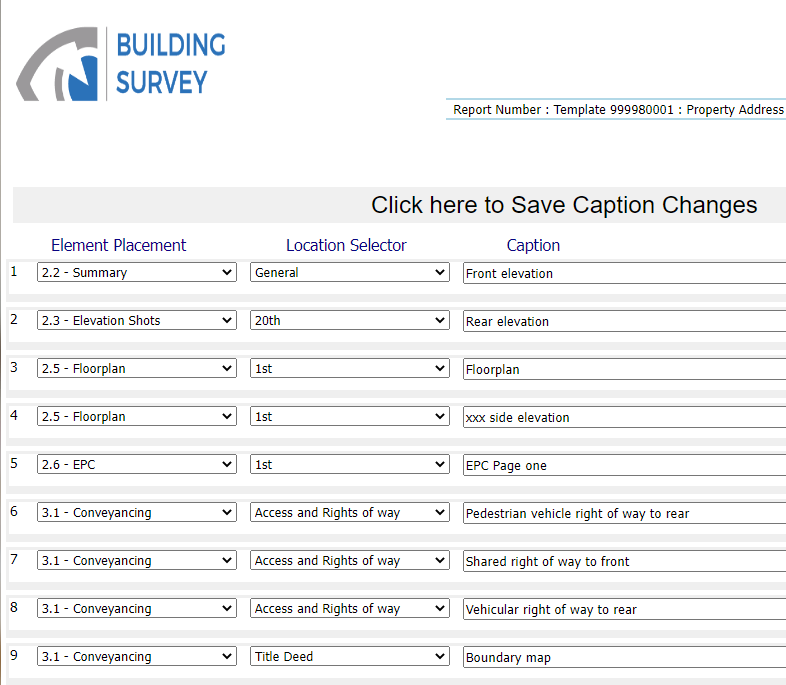
On the photos page you have access to change any of your captions - we give you over 100 but you can amend / add / delete as you wish. There's a help button on the captions page.


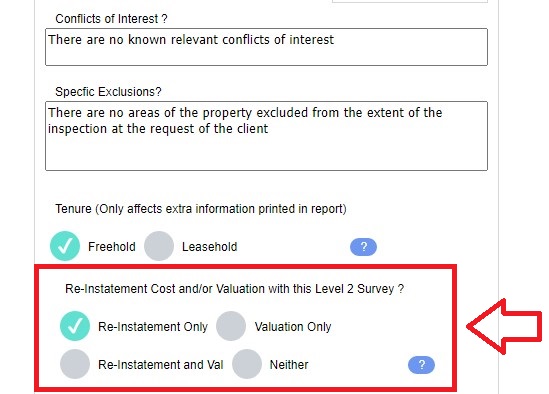
Valuation and / or ReInstatement or neither - You can control any combination of these two by using the radio buttons on 'edit address' from your survey list. Or when you buy the report. Section 2.7 then prints as required.


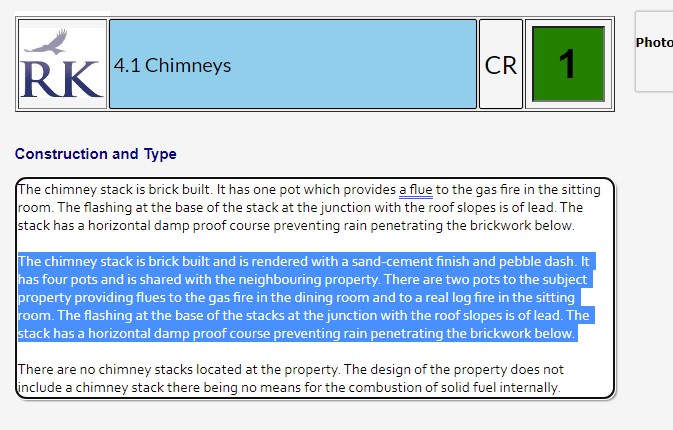
Did you know by triple clicking in a text box highlights the whole paragraph?

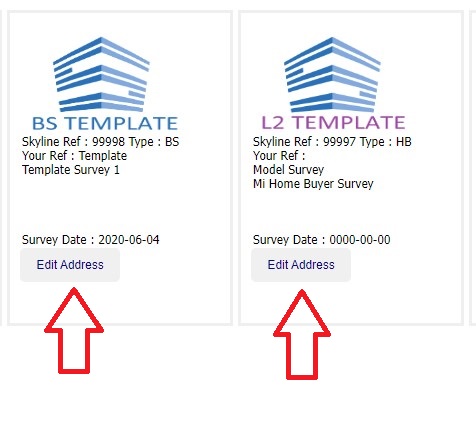
There are a few options when you buy a report - if you get them wrong you can change them using the 'edit address' button from your 'active survey' list


Did you know that you can have your own customer care text at the back of the survey report? We give you some text for section 8.3 but you can key your own by going to main menu-> ‘edit personal details’ and put your text in the big white box marked customer care. Simples!

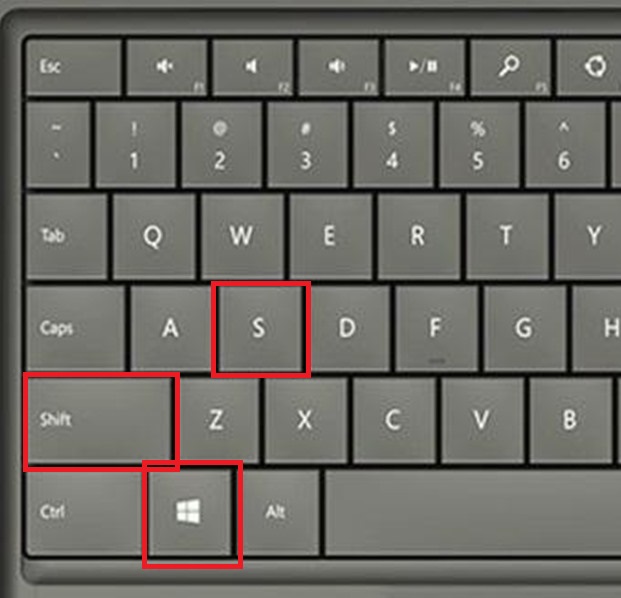
Windows Snip and Sketch Tool - To grab parts of the screen. Here's a short cut - Press 3 keys : Windows Key - Shift - S at the same time. Then drag your mouse to highlight your screen portion. A window will pop up for you to click on and save.

You can sell a Buy-to-Let survey to a prospective investor - it could clinch the survey as no-one else offers this product
Advanced tips 2

TEMPLATES


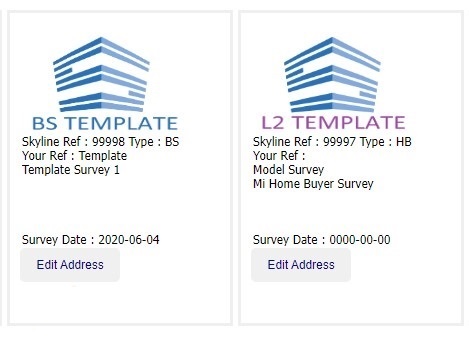
You have two survey templates - one for the Bulding Survey and one for the Home Buyer ( incl HCS and BTL) types of survey.


These are your personal templates for you to edit as you wish. We just give you some starter text.


The report text within is copied into your new report when you buy a report.


But did you know you can set your condition ratings and load up some pictures to your template - and then these get copied across too.


PHOTO LOADING


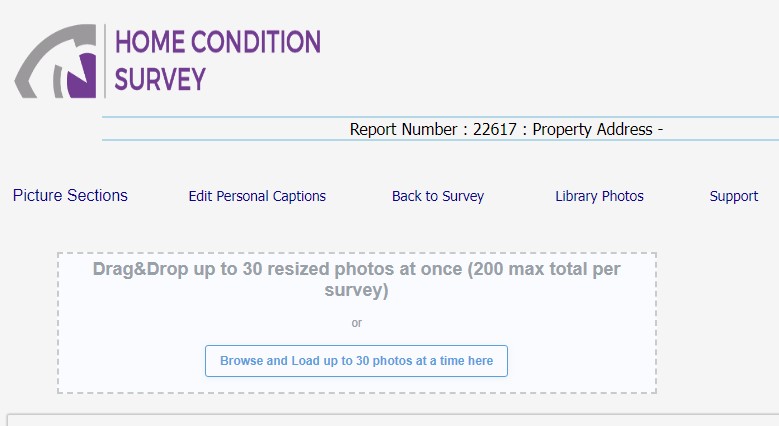
You can drag and drop up to 30 pictures at a time across to the photo load screen. Do make sure they are resized down to around 100kb (0.1MB) most camera photos are around 4MB-8MB


Training videos 8

Skyline introduction video - Watch this to find out why Skyline is the perfect companion for the independent surveyor.
We'll answer all of your questions and tell you how quickly and easily you can get started writing the best looking survey reports in the industry.

Watch the video HERE

Skyline Full Training

https://www.youtube.com/embed/XsRvN0cjQ_M


Video Here


Video Here


Video Here


Video Here

Click to enter content.

Click to enter content.

FAQ's 2

DATA LOSS


If you suffer a data loss we can normally get the data back for you.

Two ways:-

1. If your session timesout or you have an internet connection break, the next time you come to this screen you will get a big green box where you will get the chance to download a text file of your last screen.


2. If you overwrite any of your data, or there is a server glitch, then we can grab your data from any 'save'. Try us ..!

Cookies ! - Only this sign-on screen uses cookies. We just record which items you have already seen so we don't alert you again. That's it. No advertising, tracking or other dodgy cookies.

TIP OF THE DAY

There are a few options when you buy a report - if you get them wrong you can change them using the 'edit address' button from your survey list
  • skylogo

Sign in
Username
Password
Not a member but have an activation code? Click here.
Activation code
Email address
Activation code
Already got an account? Sign in here.
Main Menu

You are logged in as ""

Skyline Connect

New survey

Active surveys

SkyDocs

Account transactions and top-up

Edit personal details

Support

Management Area

Logout

Help

Dashboard and CRM